The ability to block particular sellers is a feature that our users regularly ask for. In fact, it’s been a feature of viaLibri for years, but it was only displayed if you were logged in to your viaLibri account. We’ve recently tweaked it so it’ll show for all users. However, you’ll still need to log in to actually use it.
Blocking booksellers
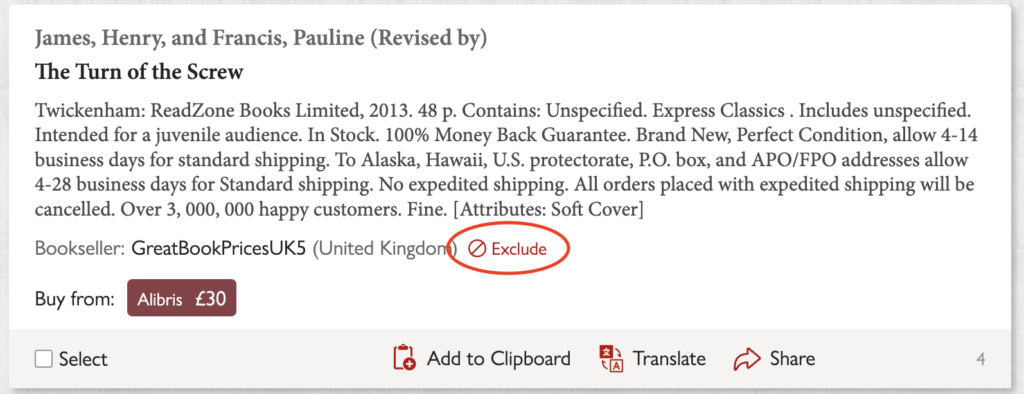
Next to every bookseller’s name in your search results you’ll see an “Exclude” link. Click it and that bookseller is added to your personal excluded booksellers list. From then on, none of their listings will show up in any of your future searches.
This exclusion list is used in normal search results and on Libribot, ensuring that you won’t see results from that seller anywhere on viaLibri. We’re also often able to spot when the same bookseller is listing under more than one name across different sites. When that happens, blocking them once will exclude all of their known aliases too, not just the one you clicked.
Managing your excluded booksellers list
Once you’ve blocked a seller, their name is added to a list you can review and edit at any time. You’ll find it on your Search Preferences page, which is in the account menu shown in the top right of every page. Changed your mind about someone? Just remove them from the list and their listings will start appearing in your results again.